Service Overview
UI/UX design is the work of making a digital product understandable and usable. UX, or user experience design, focuses on how people move through a task and whether the overall journey makes sense. UI, or user interface design, focuses on the visual and interactive elements they encounter, such as layouts, buttons, forms, typography, and feedback states.
Mrig IT Shop combines both perspectives so that a website or application is not only attractive but also logical to use. We research the audience, map the journey, test assumptions, and prepare designs that developers can implement consistently.
What Is the Difference Between UI and UX Design?
UX design asks whether the experience solves the user's problem in a sensible order. It considers goals, context, content, navigation, and the effort required to complete a task. UI design asks how that experience is presented and controlled: where elements sit, how they look, how they respond, and whether the visual hierarchy makes the next action clear.
UX design
UX work may include interviews, journey mapping, information architecture, user flows, wireframes, and usability testing. The output is often a clearer understanding of what should happen and why, before detailed visual design begins.
UI design
UI work translates the agreed structure into screens. It covers layout, typography, colour, spacing, iconography, component states, and responsive behaviour. A strong interface makes the intended action obvious without requiring users to guess.
Why Does Your Business Need Good UI/UX Design?
People decide quickly whether a website or application feels trustworthy and worth their time. Confusing navigation, unclear forms, or inconsistent screens increase friction and can cause visitors to leave. Good design reduces uncertainty and helps users complete the tasks that matter to your business.
- Make it easier for customers to find information and take action.
- Reduce avoidable confusion in forms and multi-step journeys.
- Create a consistent experience across pages and devices.
- Identify usability problems before development becomes expensive.
- Give developers a clear, shared reference for implementation.
- Improve accessibility for people with different needs and abilities.
What We Offer
User research and audience needs
We start by understanding who will use the product and what they are trying to achieve. Depending on the project, research may involve stakeholder interviews, review of existing analytics, competitor analysis, or conversations with representative users. We use the findings to prioritise real needs rather than personal preferences.
User flows and information architecture
We map the steps a user takes to complete a task and organise content into a structure that supports those steps. This helps identify unnecessary screens, missing information, and confusing decision points before visual design begins.
Wireframes and prototypes
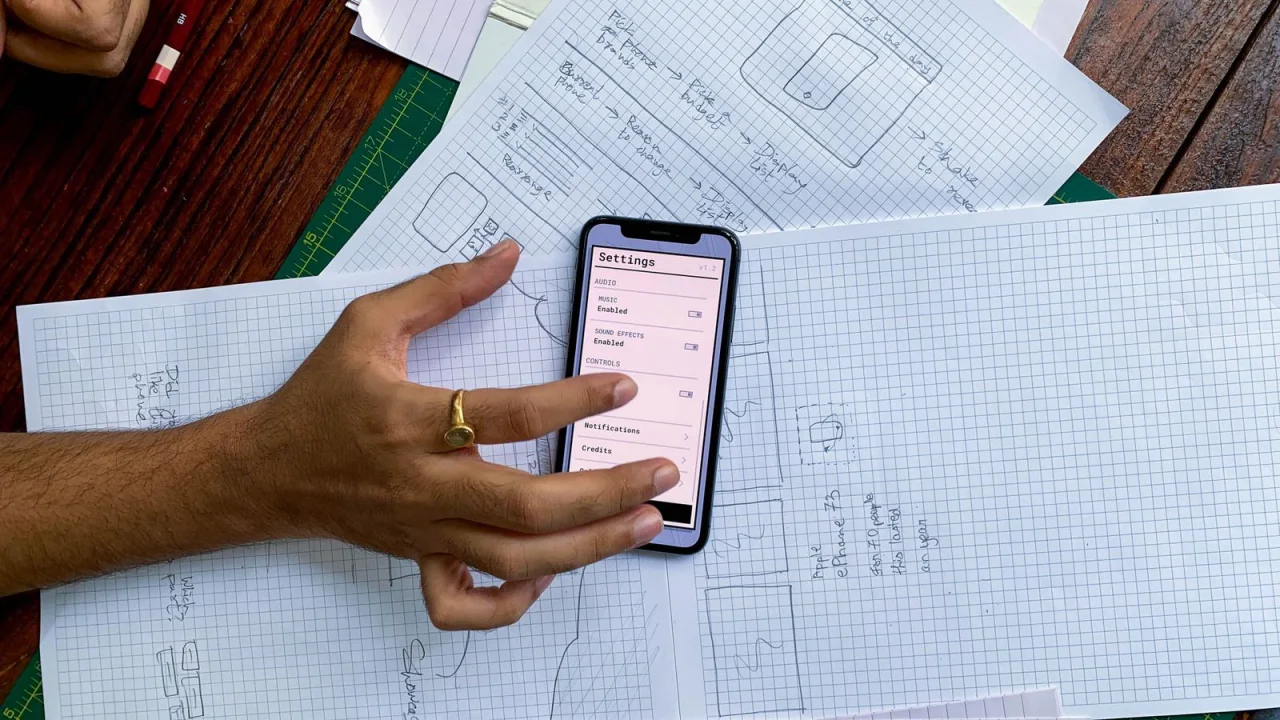
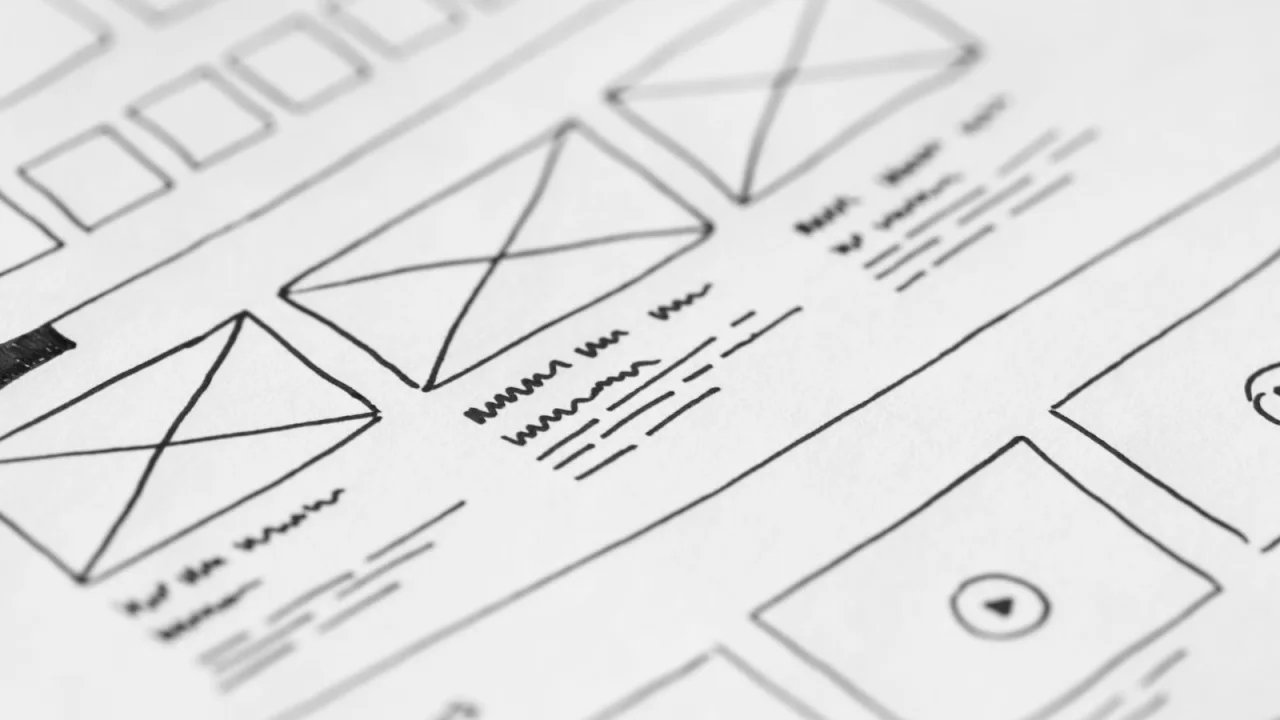
Wireframes show the structure and hierarchy of a screen without the distraction of final styling. Prototypes add interaction so the flow can be reviewed. For larger projects, we may create low-fidelity versions first and refine them after feedback, which keeps early changes inexpensive.
Visual design and interactive states
Once the structure is agreed, we develop the visual design. This includes typography, colour, spacing, imagery, buttons, form fields, and component states such as hover, focus, disabled, error, and success. Consistent states are especially important in forms and applications, where users need clear feedback.
Responsive interfaces and accessibility
We consider how layouts adapt to different screen sizes and how content remains readable and operable. Accessibility considerations may include contrast, text sizing, keyboard focus, descriptive labels, and clear error messages. We aim to identify obvious barriers early, although formal accessibility certification is a separate specialist process.
Usability testing and design iteration
Where testing is part of the scope, we observe representative users attempting realistic tasks and note where they hesitate or fail. Findings are used to refine the design. Testing does not need to be elaborate to be useful; even a small round of structured feedback can reveal important issues.
Handoff to developers
We prepare the design files and supporting notes developers need to implement the work. This may include component specifications, spacing guidance, interaction notes, content states, and responsive behaviour. A clear handoff reduces guesswork and keeps the final build closer to the intended experience.
Key Features and Benefits
- Research and audience understanding before design decisions.
- Clear user flows and information architecture.
- Wireframes that test structure before visual polish.
- Consistent visual components and interaction states.
- Responsive design for common screen sizes.
- Accessibility considerations built into the design discussion.
- Usability testing and a documented developer handoff where agreed.
Our Process
- Discovery: We clarify business goals, users, constraints, and existing research or analytics.
- Research and structure: We gather relevant insight and map the required flows and content.
- Wireframes: We create low-fidelity layouts for review and refinement.
- Visual design: We develop the interface style, components, and responsive screens.
- Prototype and testing: We review interactions and, where in scope, test with users.
- Handoff: We prepare specifications and support the development team during implementation.
Who Can Benefit?
UI/UX design is useful for new websites, application concepts, redesigns, onboarding flows, dashboards, customer portals, and any digital product where users need to complete tasks without unnecessary friction. It is particularly valuable when a product has grown organically and now feels inconsistent or difficult to navigate.
Why Choose Mrig IT Shop?
We treat design as a problem-solving process, not decoration. We ask why a screen exists, what the user is trying to do, and how success will be recognised. We also involve implementation realities early, so the design is practical to build and maintain rather than an isolated concept.
Frequently Asked Questions
What deliverables will I receive?
Deliverables depend on the scope. They may include research notes, user flows, information architecture, wireframes, visual screens, a prototype, component states, and developer handoff notes. We confirm the exact deliverables before the project starts.
Do you need existing research or analytics?
Existing material is helpful but not always available. If you have analytics, customer feedback, support questions, or previous research, we will use it. If not, we can plan a proportionate research approach based on the project's risk and budget.
Can you redesign only part of a product?
Yes. We can focus on a specific flow, such as sign-up, checkout, onboarding, or a key dashboard, while keeping the rest of the product stable. We still consider how the redesigned area connects to the surrounding experience.
Will you work with our developers?
Yes. We can prepare handoff documentation and answer implementation questions. If your developers use a particular component system or technical constraint, we will account for it during design.
How long does a UI/UX project take?
The timeline depends on the number of screens, research needs, review cycles, and the complexity of the flows. A focused improvement may take much less time than a full product design. We set milestones after the scope is agreed.
Get Started
If you are planning a website, application, or redesign and want a more usable experience, contact Mrig IT Shop at +91 96251 23533 or mrigmayiv@gmail.com. You can also use the inquiry form on this page to describe your project.